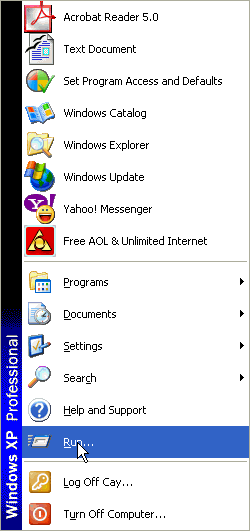
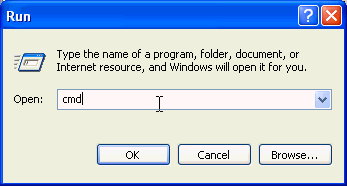
Type cmd and click Ok.
 NOTE: If
you run Windows 95/98/ME, you need to type command instead.
NOTE: If
you run Windows 95/98/ME, you need to type command instead.You will see a DOS shell window.

Never seen one of these before? Congratulations—you have just reached Level 2.
mkdir c:\tempand hit the ENTER key. If you get an error message that the directory already exists, then that's ok.

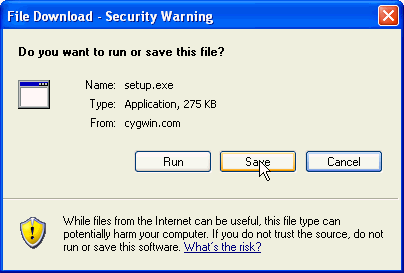
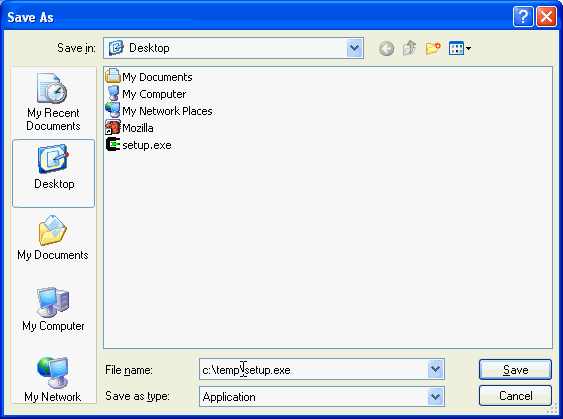
Change the file name to c:\temp\setup.exe and click on Save.

c:Remember to hit ENTER after every line of input in the shell window—I won't mention that again. The Cygwin setup program starts:
cd \temp
setup

Click Next. Then select “Install from Internet”.
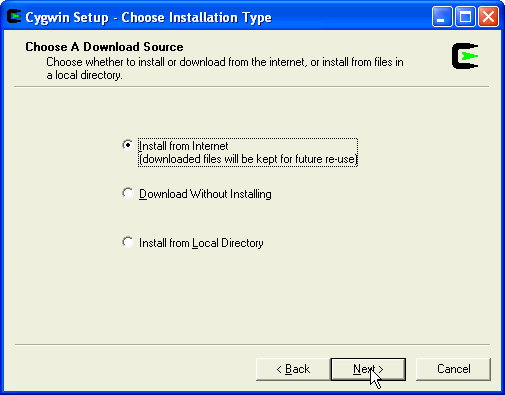
Click Next. Then accept the default “install root directory” as C:\cygwin.

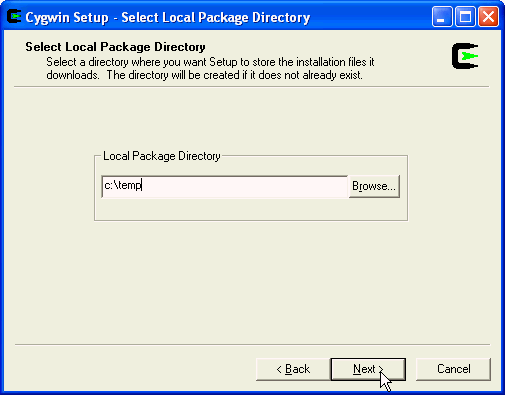
Click Next. Then accept the default “local package directory” as C:\temp.
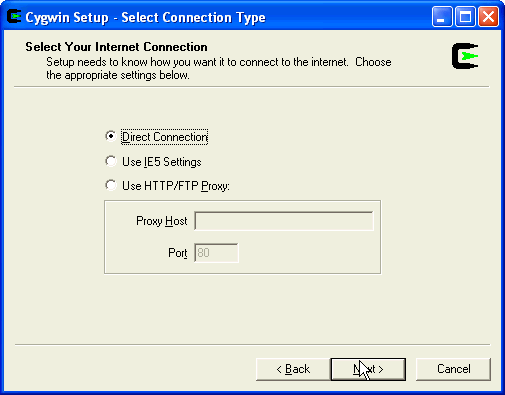
Click Next. Then select “Direct Connection”.
Click Next. Then select a download site. I used http://mirrors.rcn.net .

Click Next. You will see the "Select Packages" dialog.
NOTE: This
step is very important.Move the mouse on the Devel entry and click until the selector reads Install.
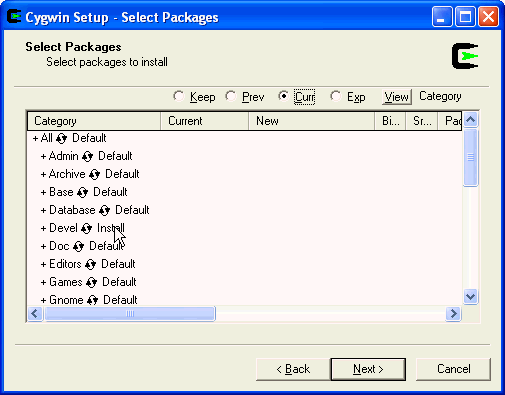
Repeat this step with the Net package. (You want to install both Devel and Net!)
Then click Next. You will see a long succession of dialogs such as this one:
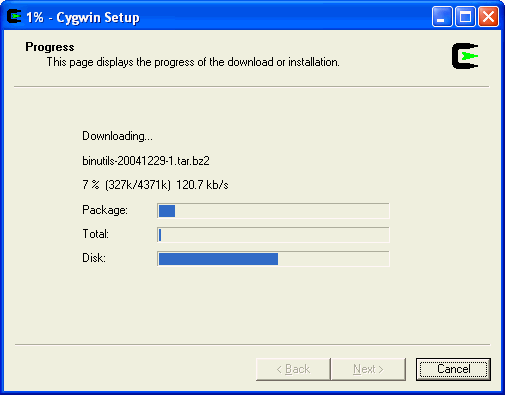
After quite a long time, you will start seeing dialogs such as this one:

Finally, you will get this dialog:
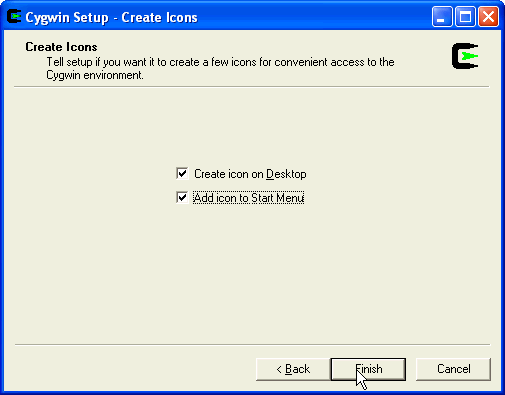
Click Next to see:
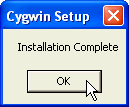
Click Ok.
NOTE: This
step is for Windows XP, 2000, or NT only. If you have Windows 95, 98,
or Millennium (ME), go to step 10 instead. - Start the control panel (Start->Settings->Control
Panel)
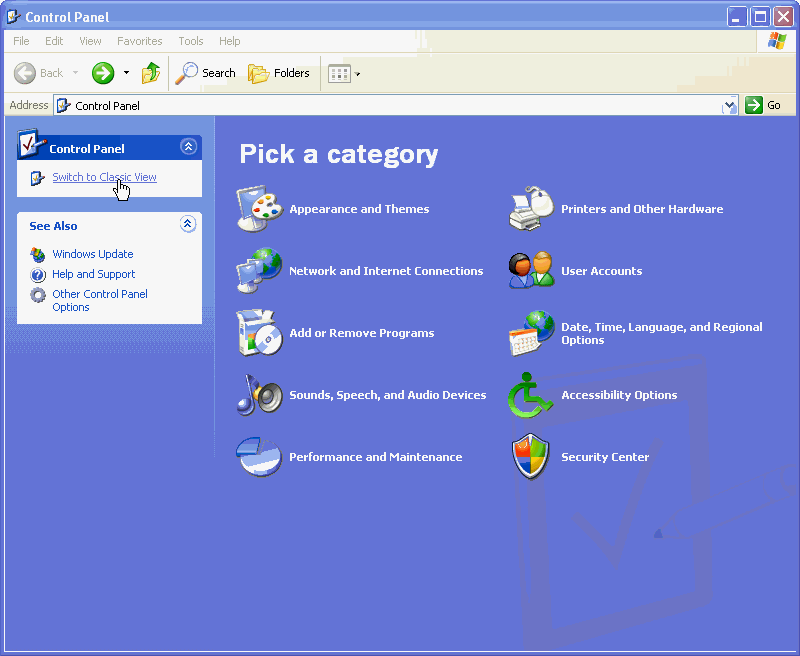
- Click on the Switch to Classic View

NOTE: On
Windows 2000 and NT, you don't need to switch to classic mode.
- Click on System

- Click on Advanced
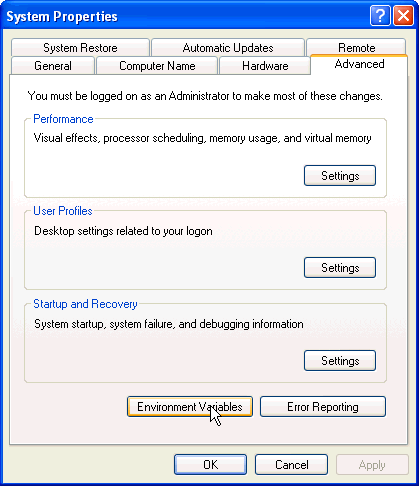
- Click on Environment Variables

NOTE: On
Windows 2000 and NT, you can directly go to the tab marked Environment.
- Scroll through the System Variables until you find a
variable named Path. Click on Edit.
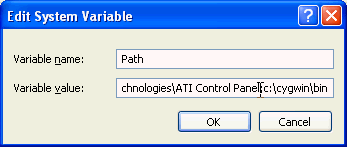
- Add the c:\cygwin\bin directory to the end of the
path, using a semicolon to separate the new entry, like this:
other stuff;c:\cygwin\bin
- Click Ok on all dialogs to save your change.
Return to the shell window. Type
edit c:\autoexec.batYou will see an editor window, somewhat like this:

Locate the line that starts with PATH= and insert the string
;c:\cygwin\binafter the C:\WINDOWS and ;C:\WINDOWS\COMMAND statement. Check that the semicolons are correct. Do not insert a n y a d d i t o n a l s p a c e s ! ! ! Afterwards, the PATH statement should look somewhat like this:

Now select File->Save and File->Exit. Reboot your computer.
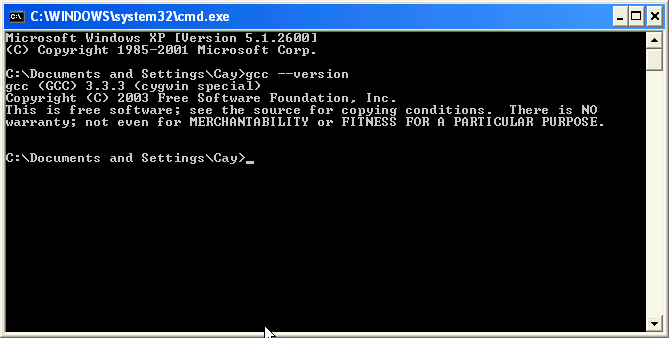
gcc --versionDid you get a string similar to the one below? Congratulations—you have just reached level 3.